课程主要介绍了Linux的使用和一些实用工具的展示,就不过多叙述了。
讲义笔记
1. 环境配置
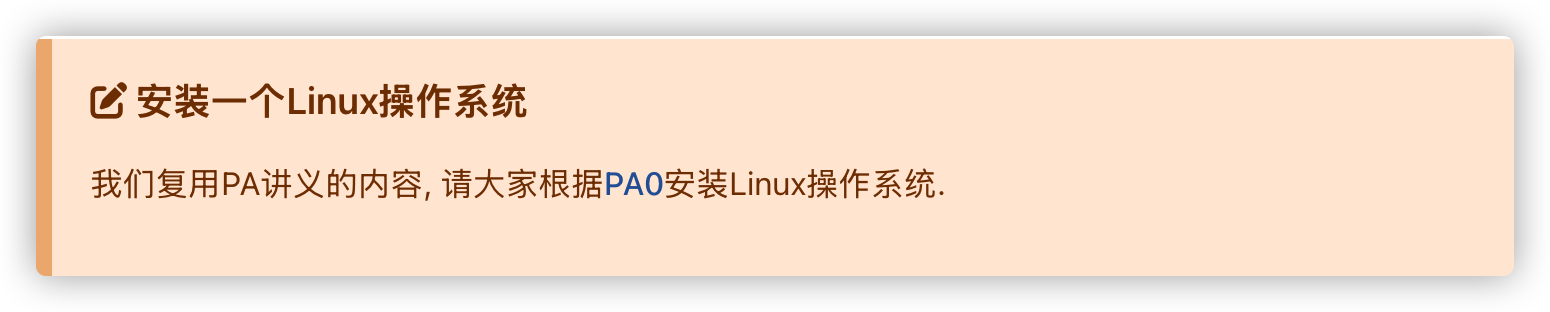
PA0网址:https://ysyx.oscc.cc/docs/ics-pa/PA0.html
我的开发机器为MacBook Pro M4,使用Docker运行x86版本的Ubuntu2404(Rosetta2进行指令翻译)。我的开发机器为WSL上的Ubuntu2404,在其中安装所需的软件:
apt-get update
apt-get install build-essential    # build-essential packages, include binary utilities, gcc, make, and so on
apt-get install man                # on-line reference manual
apt-get install gcc-doc            # on-line reference manual for gcc
apt-get install gdb                # GNU debugger
apt-get install git                # revision control system
apt-get install libreadline-dev    # a library used later
apt-get install libsdl2-dev        # a library used later
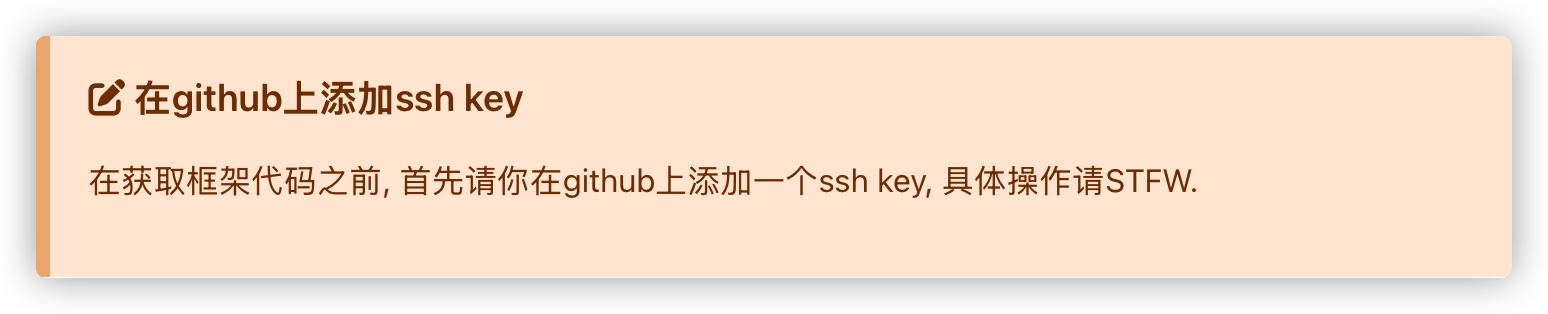
# 生成sshkey
$ ssh-keygen -t ed25519 -C "your_email@example.com"

# 获取公钥
$ cat ~/.ssh/id_ed25519.pub

# 在github中添加公钥
# 测试连接
$ ssh -T git@github.com
Hi xxxxxx! You've successfully authenticated, but GitHub does not provide shell access.
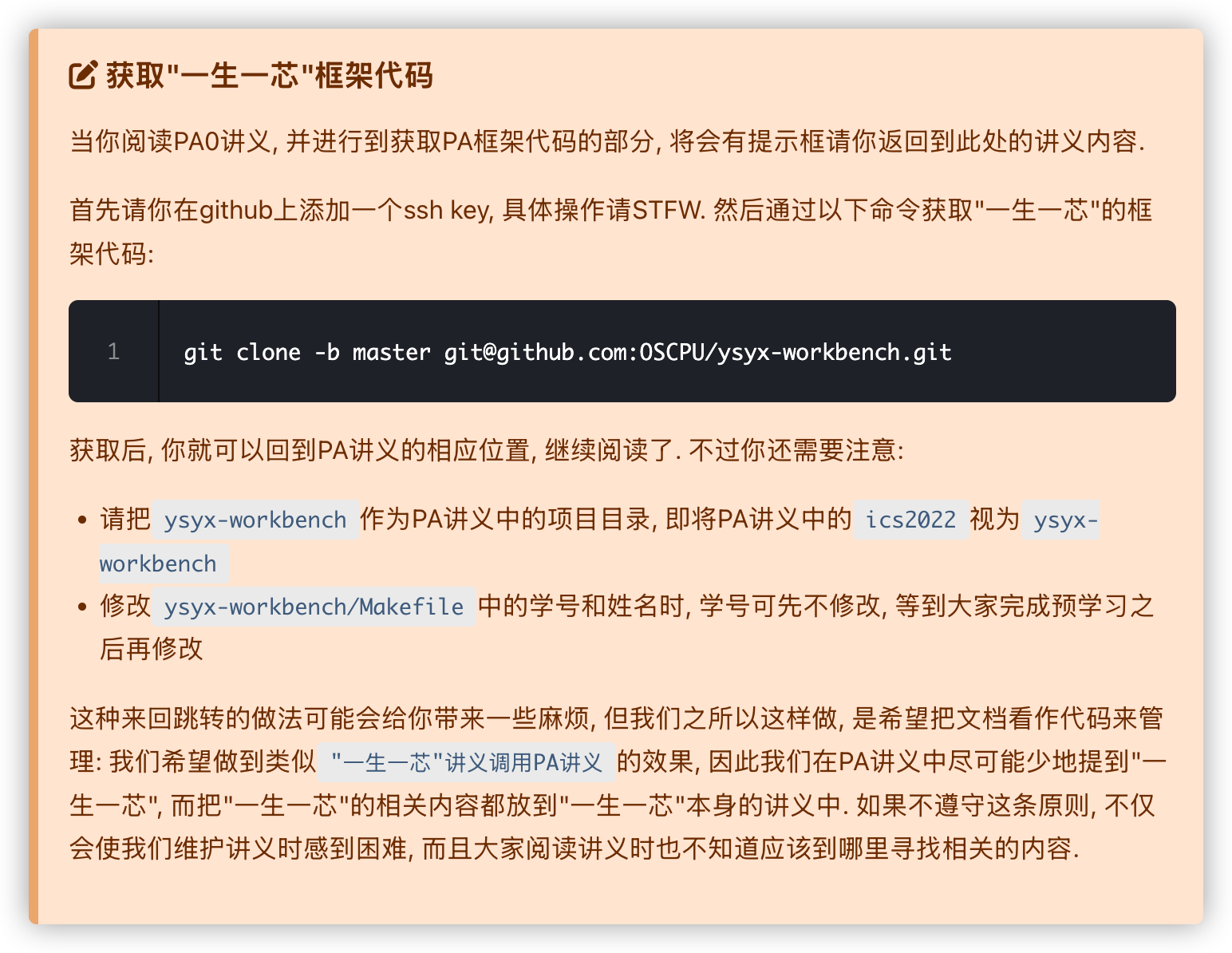
$ git clone -b master git@github.com:OSCPU/ysyx-workbench.git
$ cd ysyx-workbench/
$ ls
Makefile  README.md  init.sh  npc
创建主分支master,并初始化项目目录:
$ git branch -m master
$ git branch
* master
$ bash init.sh nemu
$ bash init.sh abstract-machine
$ source ~/.bashrc

$ echo $NEMU_HOME
/root/ysyx/ics2025/nemu

$ echo $AM_HOME
/root/ysyx/ics2025/abstract-machine
创建新的任务分支pa0:
$ git checkout -b pa0
Switched to a new branch 'pa0'

$ git branch
  master
* pa0
修改Makefile,填入自己的学号和姓名:
STUID = ysyx_22040000
STUNAME = JiangMingHan

......
使用git查看修改的内容:
$ git status
On branch pa0
Changes not staged for commit:
  (use "git add <file>..." to update what will be committed)
  (use "git restore <file>..." to discard changes in working directory)
	modified:   Makefile

no changes added to commit (use "git add" and/or "git commit -a")

$ git diff
diff --git a/Makefile b/Makefile
index f1582e7..e9e90df 100644
--- a/Makefile
+++ b/Makefile
@@ -1,5 +1,5 @@
 STUID = ysyx_22040000
-STUNAME = <E5><BC><A0><E4><B8><89>
+STUNAME = JiangMingHan

 # DO NOT modify the following code!!!
在git中提交修改:
$ git add .
$ git commit -m "modify my info"
[pa0 7ff5a9c] modify my info
 1 file changed, 1 insertion(+), 1 deletion(-)
查看提交记录:
$ git log
commit 7ff5a9cece0d811d7ebf384d9b1e364a703290cd (HEAD -> pa0)
Author: Jiangmmh <minghanjiang@qq.com>
Date:   Wed Sep 9 15:06:58 2026 +0000

    modify my info

commit 0e6d8843a39f262f60d2ecf32f75a64966e1e41e (master)
Author: Jiangmmh <minghanjiang@qq.com>
Date:   Wed Sep 9 15:02:30 2026 +0000

    NJU-ProjectN/fceux-am ics2021 initialized without tracing

    NJU-ProjectN/fceux-am d5524ba624300869d6c793f01e6632e4dc3066ef drivers,sdl: fix video when underflow
从pa0切换回master:
$ git checkout master
上述工作流展示了我们应当如何使用git来进行开发:
- 在开始一个新的PA之前,先创建对应的新分支
- 在该分支中进行编码
- 在完成PA后,提交代码并将该分支合并到master,最后返回master
进入 nemu/ 目录,构建该项目:
$ make menuconfig
$ make
运行NEMU:
root@88db14327ace:~/ysyx/ysyx-workbench/nemu$ make run
make[1]: Entering directory '/root/ysyx/ysyx-workbench'
make[1]: Leaving directory '/root/ysyx/ysyx-workbench'
make[1]: Entering directory '/root/ysyx/ysyx-workbench'
make[1]: Leaving directory '/root/ysyx/ysyx-workbench'
/root/ysyx/ysyx-workbench/nemu/build/riscv32-nemu-interpreter --log=/root/ysyx/ysyx-workbench/nemu/build/nemu-log.txt
[src/utils/log.c:30 init_log] Log is written to /root/ysyx/ysyx-workbench/nemu/build/nemu-log.txt
[src/memory/paddr.c:50 init_mem] physical memory area [0x80000000, 0x87ffffff]
[src/monitor/monitor.c:51 load_img] No image is given. Use the default build-in image.
[src/monitor/monitor.c:28 welcome] Trace: ON
[src/monitor/monitor.c:29 welcome] If trace is enabled, a log file will be generated to record the trace. This may lead to a large log file. If it is not necessary, you can disable it in menuconfig
[src/monitor/monitor.c:32 welcome] Build time: 15:14:38, Sep  9 2026
Welcome to riscv32-NEMU!
For help, type "help"
[src/monitor/monitor.c:35 welcome] Exercise: Please remove me in the source code and compile NEMU again.
riscv32-nemu-interpreter: src/monitor/monitor.c:36: welcome: Assertion `0' failed.
make: *** [/root/ysyx/ysyx-workbench/nemu/scripts/native.mk:38: run] Aborted
根据提示找到src/monitor/monitor.c:35 ,其中assert(0)就是问题的根源,将其注释掉:
static void welcome() {
  Log("Trace: %s", MUXDEF(CONFIG_TRACE, ANSI_FMT("ON", ANSI_FG_GREEN), ANSI_FMT("OFF", ANSI_FG_RED)));
  IFDEF(CONFIG_TRACE, Log("If trace is enabled, a log file will be generated "
        "to record the trace. This may lead to a large log file. "
        "If it is not necessary, you can disable it in menuconfig"));
  Log("Build time: %s, %s", __TIME__, __DATE__);
  printf("Welcome to %s-NEMU!\n", ANSI_FMT(str(__GUEST_ISA__), ANSI_FG_YELLOW ANSI_BG_RED));
  printf("For help, type \"help\"\n");
  Log("Exercise: Please remove me in the source code and compile NEMU again.");
  // assert(0);
}
在此make run:
root@88db14327ace:~/ysyx/ysyx-workbench/nemu$ make run
+ CC src/monitor/monitor.c
+ LD /root/ysyx/ysyx-workbench/nemu/build/riscv32-nemu-interpreter
make[1]: Entering directory '/root/ysyx/ysyx-workbench'
make[1]: Leaving directory '/root/ysyx/ysyx-workbench'
make[1]: Entering directory '/root/ysyx/ysyx-workbench'
make[1]: Leaving directory '/root/ysyx/ysyx-workbench'
/root/ysyx/ysyx-workbench/nemu/build/riscv32-nemu-interpreter --log=/root/ysyx/ysyx-workbench/nemu/build/nemu-log.txt
[src/utils/log.c:30 init_log] Log is written to /root/ysyx/ysyx-workbench/nemu/build/nemu-log.txt
[src/memory/paddr.c:50 init_mem] physical memory area [0x80000000, 0x87ffffff]
[src/monitor/monitor.c:51 load_img] No image is given. Use the default build-in image.
[src/monitor/monitor.c:28 welcome] Trace: ON
[src/monitor/monitor.c:29 welcome] If trace is enabled, a log file will be generated to record the trace. This may lead to a large log file. If it is not necessary, you can disable it in menuconfig
[src/monitor/monitor.c:32 welcome] Build time: 16:12:13, Sep  9 2026
Welcome to riscv32-NEMU!
For help, type "help"
[src/monitor/monitor.c:35 welcome] Exercise: Please remove me in the source code and compile NEMU again.
(nemu)
2. 提问的智慧
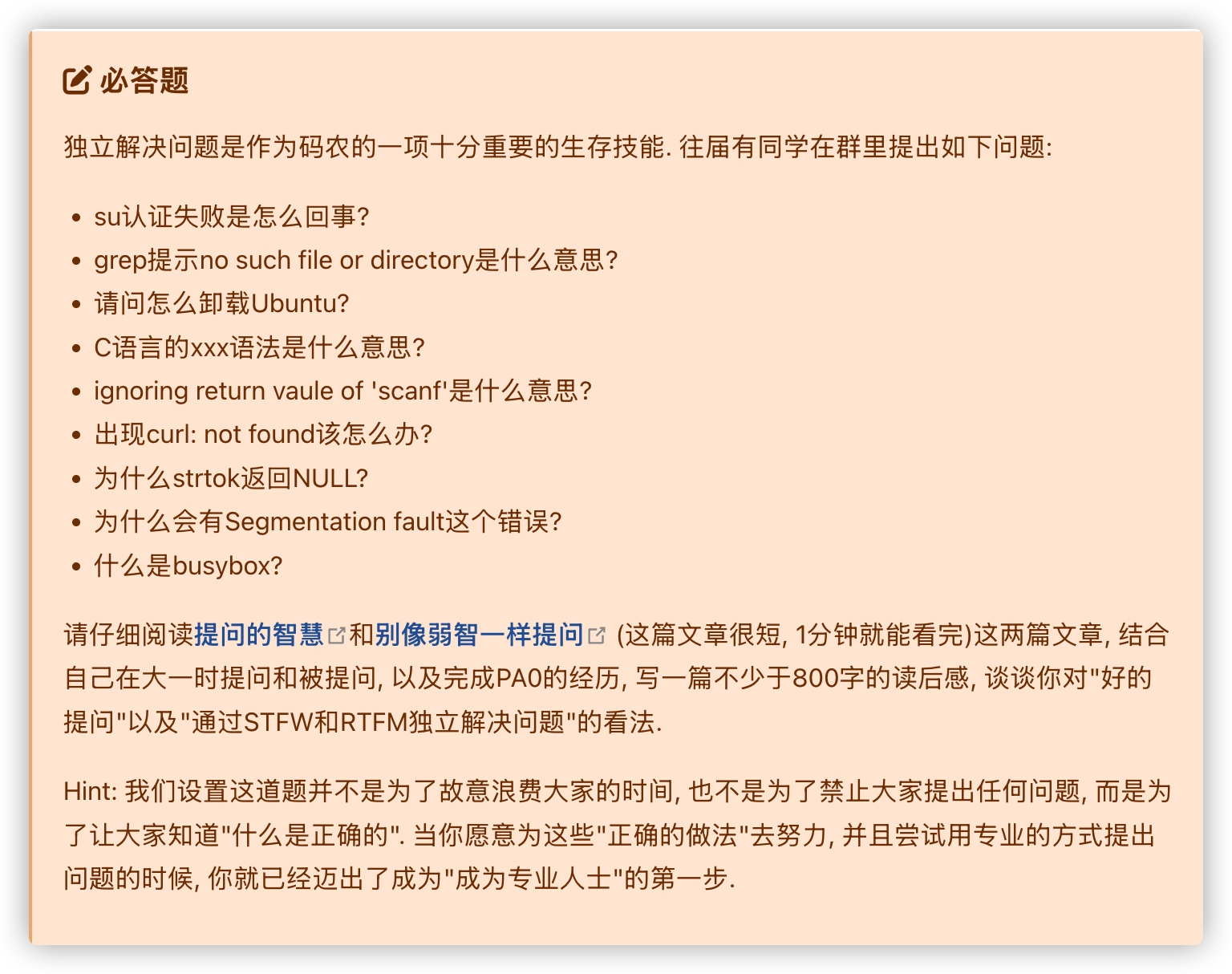
两篇文章的网址:
阅读完这两篇文章后,我的感受有两点:
- 第一,在提问之前必须先自己思考和探索该问题的解。不要做一个“巨婴”,遇到问题就把它甩给别人。
- 第二,提问的方式要考虑回答者的观感,提供简洁但充足的背景介绍,自己的思考与尝试。
3. C语言
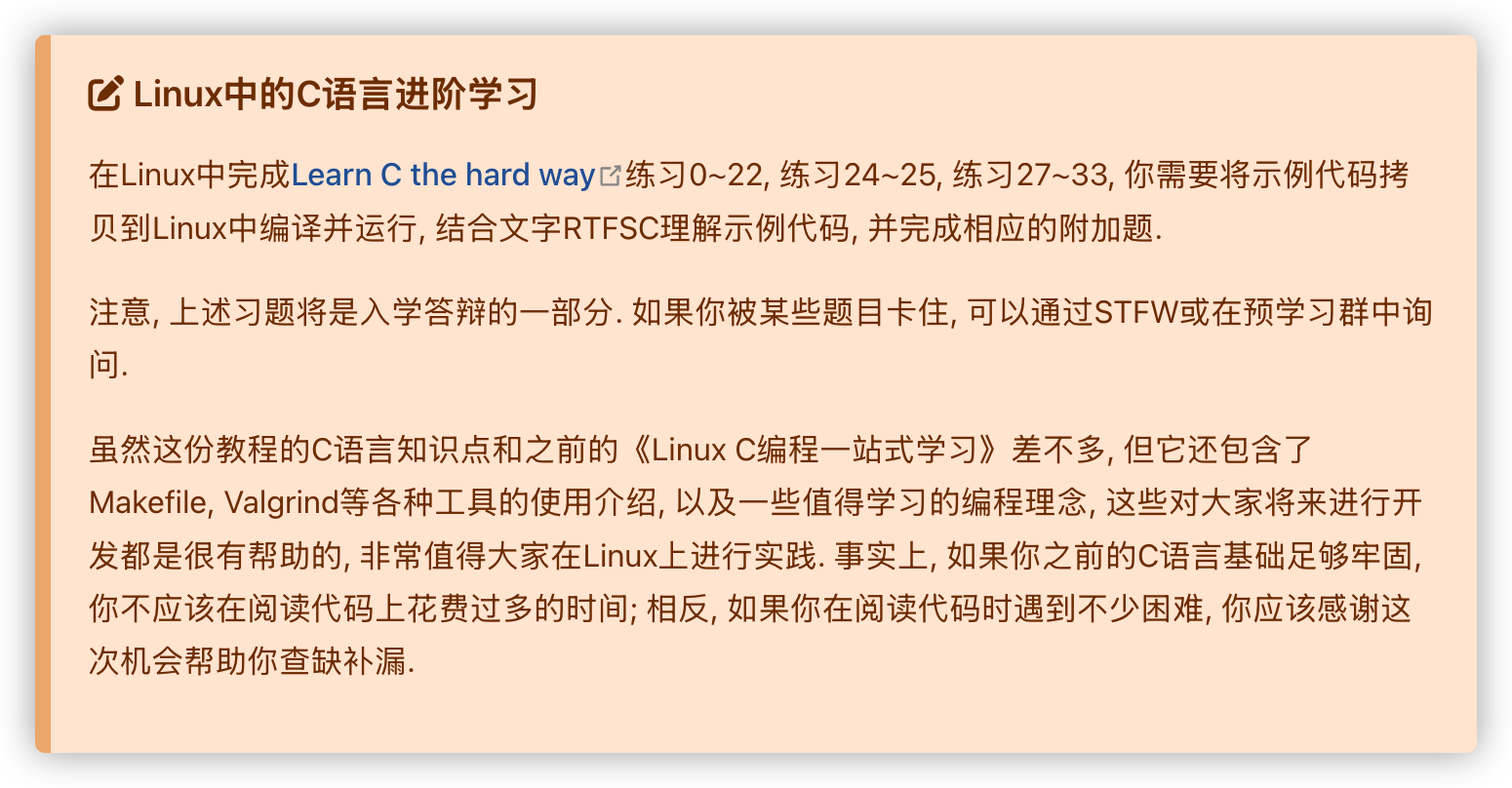
我的C语言基础还算比较扎实,这部分内容快速过一遍,就不做过多的记录了。
网址:笨办法学C 中文版